1 Introduction to MMI Tutorial
The purpose of these labs is to teach you how to use R programming to analyse datasets and ask some research questions using statistical tests.
It’s not essential to memorise all the code, but as R programming is used extensively for data analysis in science it is really useful to understand the code and how to work in R - if you’re confused at any point please ask a Teaching Assistant or Lecturer for help.
1.1 Dataset
We’ll be using the UK Demographic dataset on Moodle.
We’ll use this data set to explore morphological parameters and covariables.
We’re going to perform statistical tests on the data and visualise the data with plots!
1.2 R programming
We’re using R, which is free software that can be used on Mac, Windows, or Linux-based computing systems.
You’ll find that R is used extensively for data analysis, because it’s very effective for statistical testing and for visualising data.
So you will come across it multiple times as a student, but also in general research.
Therefore, it’s really important to understand how it works - but you do not need to know every bit of code, but rather what the code allows you to do and how to interpret results.
RStudio, is the user-interface for R which makes it easier for us to work with - rather than working on the command line!
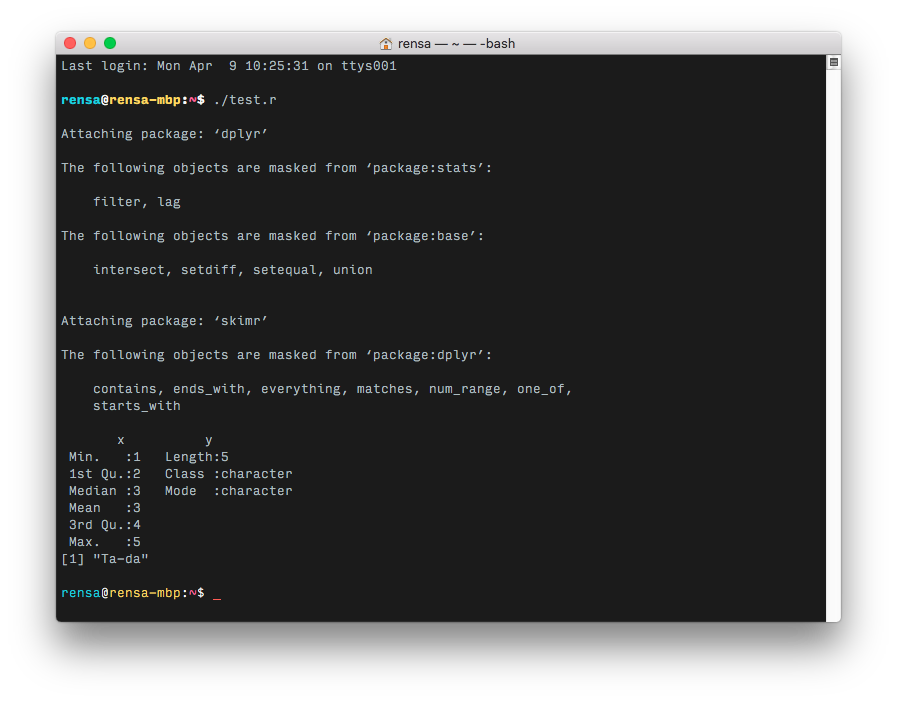
So, just remember that the programming language is R, but the interface we usually work off of is RStudio.
1.3 Downloading R and RStudio, and installing
Downloading R and RStudio is very simple.
First, download R.
Make sure that you download the version that matches your operating system (e.g. a Windows PC needs Windows, an Apple Mac needs macOS). If in doubt, ask a teaching assistant.
You can then just click on the downloaded file to install R on your device, you can just accept the default options.
Then, download RStudio.
Make sure that you download the version that matches your operating system (e.g. a Windows PC needs Windows 10/11, an Apple Mac needs macOS 14/15/16). If in doubt, ask a teaching assistant.
You can then just click on the downloaded file to install RStudio on your device, you can just accept the default options.
Note that we need R installed first, as RStudio simply uses a user-friendly interface to access R and do all the programming.
You’re now ready to move on to the next steps!